ExtrusionPower combines die design, flow/stress simulation, and die data management in one platform. It is an easy-to-use software family that lets you validate a die virtually before the physical trial.
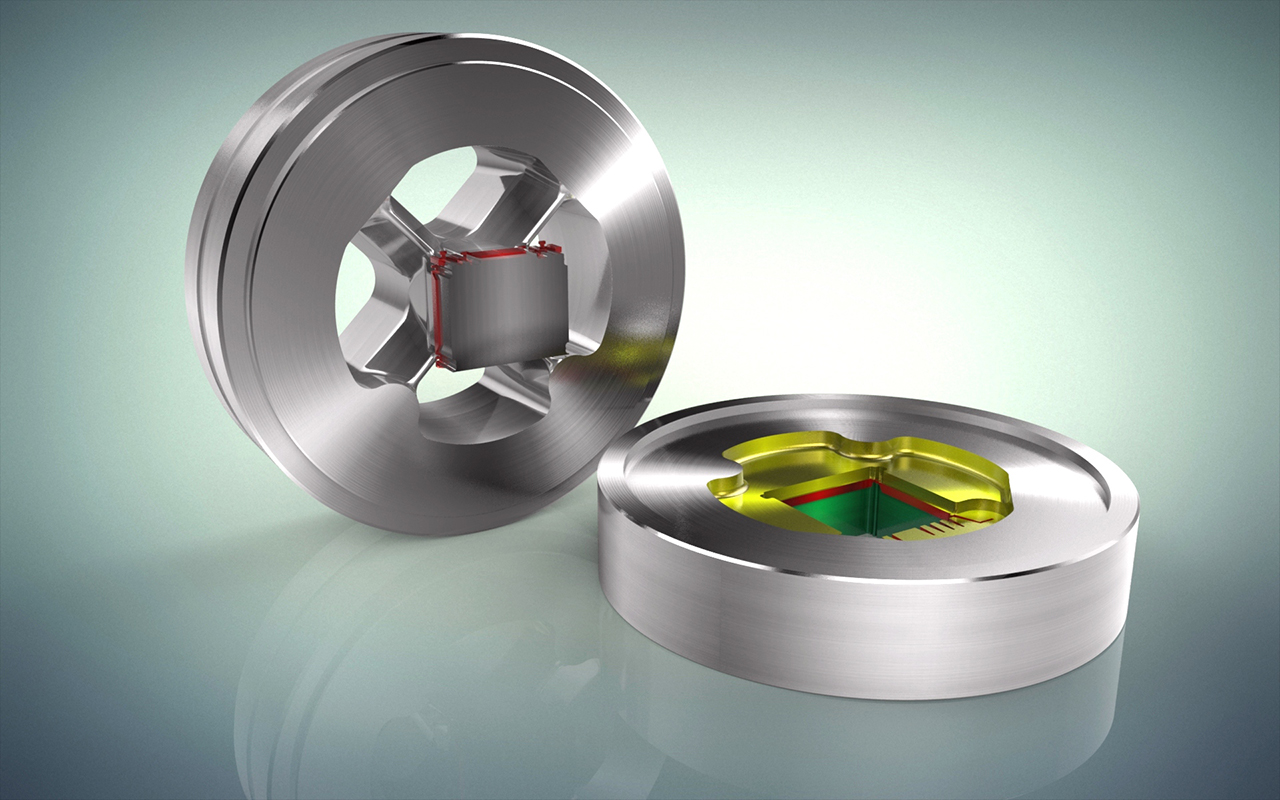
Instead of watching a presentation, see your own die. Upload one of your die drawings and in the demo we model it, simulate it and search for it in front of you.
Your file is used only to prepare the demo and is never shared with third parties. The limit is 20 MB; send several files as a zip.
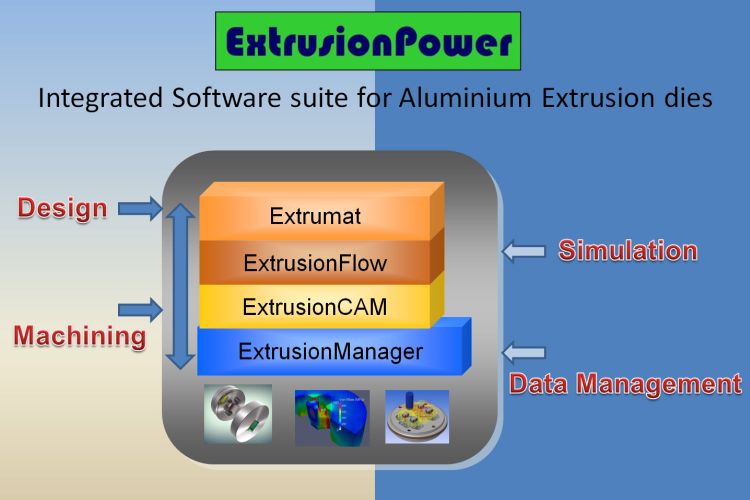
With ExtrusionPower, CAD, CAE and data management are integrated into a single platform. The modular structure brings together every tool a die manufacturer needs under one roof, and every module works off the same shared database.

Years of repetitive modeling, now 20 seconds
Generates the 3D model automatically from a 2D extrusion die drawing: around 20 seconds for a solid die, about 2 minutes for a bridge die.

How many trials in are you?
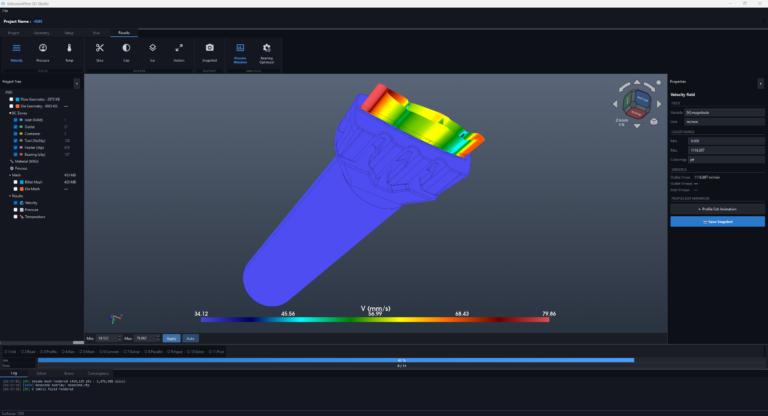
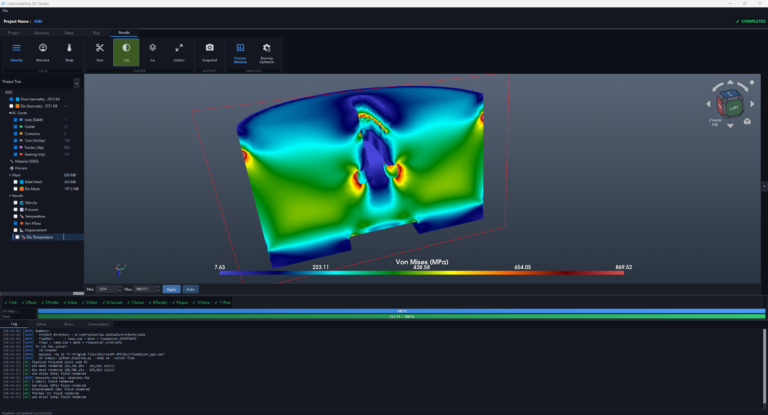
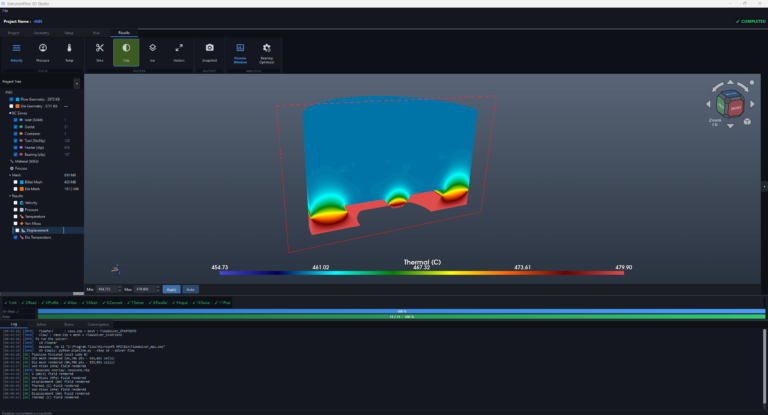
Simulates flow, pressure, temperature and die stress before the first billet is pressed. A virtual die trial typically completes in 30 to 40 minutes.

One database, every revision
One searchable record per die, covering revisions, approval status, BOM and 2D/3D files, so nobody re-models a part that already exists.
The family has five modules: alongside the three above there is the 3D CAD core ExtrusionPower and the artificial intelligence module PETRA AI. Modules are sold and installed independently of one another.
Die knowledge in the model, not in one head
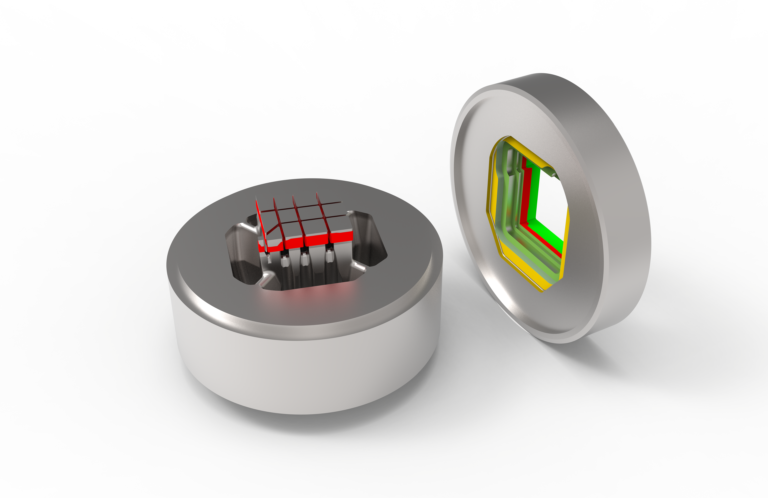
The core of ExtrusionPower. Transitions, legs, the welding chamber and leg angles are built as extrusion features rather than drawn as generic solids, so the die set carries the intent of the design and can be simulated before it ever goes near a press.
It runs on Creo Elements/Direct Modeling and works by direct modelling. Solid, bridge, zero bearing and butterfly die types are supported, and DXF, DWG, IGES, STEP, Creo and MI files are imported.
ExtrusionPower is built on 20 years of extrusion die engineering experience at Viametrix Software and Engineering.
Stop searching, start producing
Upload a DXF, PNG or JPG and find the matching die in your archive in under three seconds, then manage that die's whole life from the same screen. PETRA AI indexes your profile archive as geometry vectors rather than pixels, so rotated and mirrored sections and small dimensional differences still match. Duplicate profiles are flagged before a new die is ordered.
It runs on web, iOS, Android and desktop, deploys to cloud, hybrid or on premise, and has no limit on users or locations. The interface is available in seven languages and can be trialled for 14 days with no card required.
Start where it hurts most and add the rest as the workflow matures.
Input: 2D drawings and external CAD. Output: a complete 3D die set and associative 2D drawings.
Input: layered DXF / DWG / MI. Output: a 3–4 part 3D die set.
Input: the 3D die set and process parameters. Output: velocity, pressure, temperature, stress, deflection.
Input: design data from ExtrusionPower. Output: revisions, BOM, access control, archive.
Input: DXF, PNG, JPG. Output: matches, similarity percentage, die passport, KPIs.
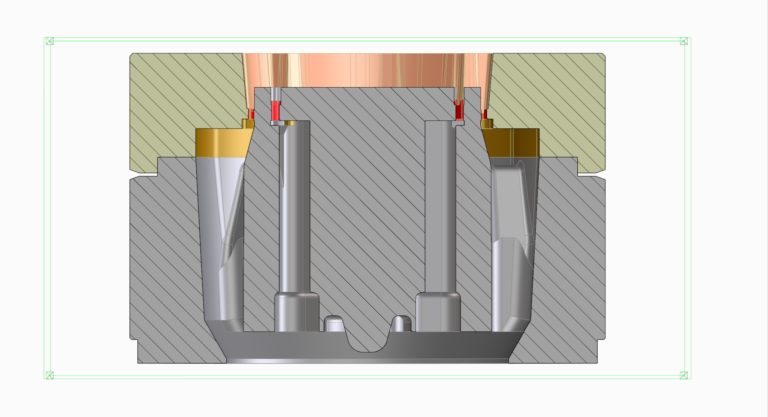
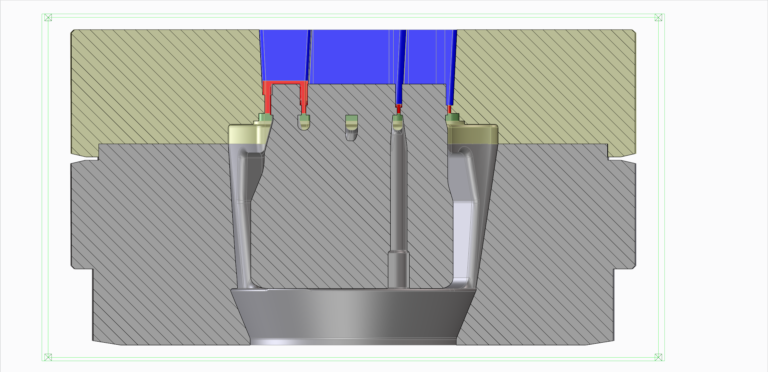
It reads a clean, layer-based 2D die drawing and generates the 3D model without user intervention: around 20 seconds for a simple solid die, about 2 minutes for a bridge die including transitions.
ExtrusionFlow replaces most of it: flow, pressure, temperature and stress are simulated on the real 3D model, so deformation and weld-line issues surface before any metal is cut.
Every die exists exactly once in a shared database with revision and status control. Anyone on the team can search it, so "does this profile already exist?" has a single answer.
Watch the 9 product videos, download the catalogue, or send us your own die drawing for a free demo.
